How To Turn Off Chefman Air Fryer: Quick Easy Steps
Press the power button or turn the timer dial to off; unplug the unit after cooling for safety.
I’ve worked with dozens of kitchen gadgets and tested several Chefman air fryer models. This guide explains how to turn off Chefman air fryer models clearly and safely. You’ll learn quick steps for digital and dial models, what automatic shutoff does, common problems, and practical tips I learned from hands-on use. Read on to stop your Chefman air fryer correctly and avoid mistakes that can shorten its life.
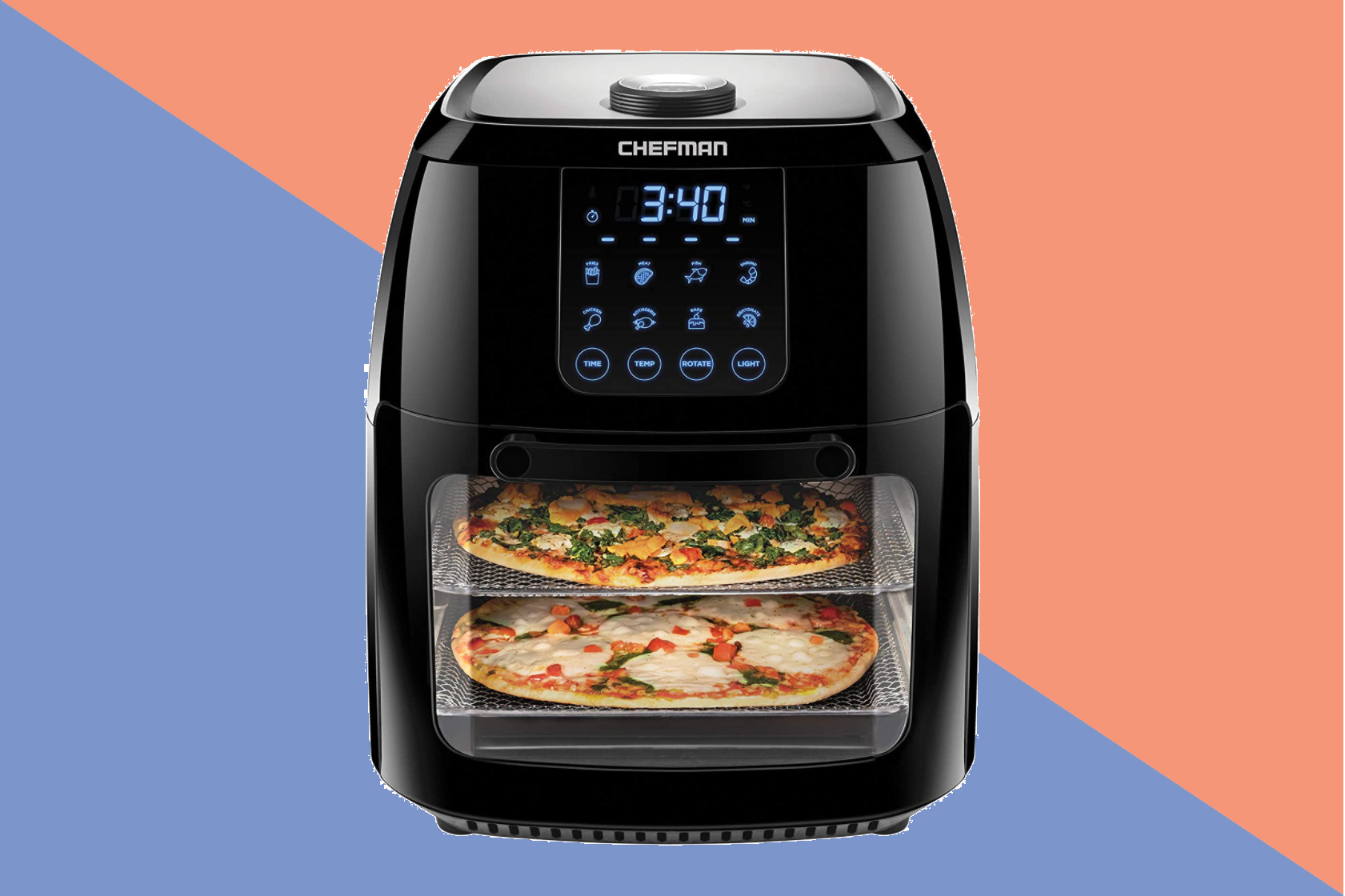
Quick steps: How to turn off Chefman air fryer safely
- For digital touch-screen models, press the power button or touch the power icon to stop cooking.
- For models with a control dial or timer knob, rotate the dial to the "Off" position or set the timer to zero.
- Remove the basket and let the fryer cool before unplugging for cleaning or storage.
- If the unit won’t respond, turn off the outlet or unplug the cord and wait a few minutes before restarting.
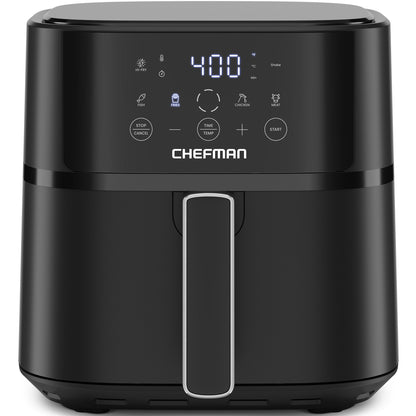
Detailed step-by-step guide for different Chefman air fryer models
Digital touch-screen Chefman air fryer
- Tap the stop or power icon on the display.
- Wait for the fan and heating to stop. The display will usually show 0 or "OFF."
- Use oven mitts or tongs to remove the basket if needed.
- Let the air fryer cool for 15 to 30 minutes before unplugging or cleaning.
Dial or manual-timer Chefman air fryer
- Turn the timer knob to the off position or all the way counterclockwise until it clicks.
- The heat and fan should stop. If the fan keeps running, unplug the unit.
- Allow the basket to cool before removing or cleaning.
When to unplug after turning off the air fryer
- Unplug if you will not use the fryer soon.
- Unplug before deep cleaning.
- Unplug if you notice odd smells, smoke, or electrical issues.

Understanding automatic shutoff and safety features
- Many Chefman air fryer models include automatic shutoff when the timer ends. This prevents overcooking and reduces fire risk.
- A basket removal sensor may pause heating when you pull the basket out. Reinsert the basket and press start to resume or press stop to end.
- Thermal cutoffs and fuse protection stop heating if the unit overheats. If triggered, allow full cooling and inspect before reuse.

Common issues when trying to turn off Chefman air fryer and troubleshooting
- Unresponsive touch panel: Unplug the fryer, wait 60 seconds, then plug back in. Clean the display gently to remove grease or moisture.
- Stuck timer dial: Do not force it. Unplug the unit and try rotating gently after cooling. If still stuck, contact support for repair.
- Fan keeps running after power off: This can be normal cooling behavior. If it runs long and loudly, unplug and check vents for blockages.
- Unit won’t turn off via button: Cut power at the outlet and test the button after a reset. If the button is faulty, seek professional service.
People also ask:
- How long do I wait before unplugging after turning off? Wait 15 to 30 minutes for the fryer to cool before unplugging.
- Can I unplug while the fryer is still hot? You can, but always use caution and avoid pulling the cord under strain. Let it cool when possible.
- What if my air fryer shows an error and won’t turn off? Unplug, wait 60 seconds, then plug back in. If the error persists, follow the manual’s error code guide or contact support.
Maintenance tips to avoid shutdown problems
- Clean the controls and display often to keep touch screens responsive.
- Empty crumbs and grease from the drawer to prevent sensor or fan blockages.
- Inspect the power cord for wear. Replace a frayed cord immediately.
- Keep vents clear and place the fryer on a flat, heat-safe surface with space around it.
- Update any firmware if your model supports it and the manufacturer provides updates.

Personal experience, lessons learned, and practical tips
I once tried to force a stuck timer on an older Chefman dial model. That snapped the knob. Now I always unplug and let the unit cool first. I also learned to:
- Use tongs or heatproof gloves when removing the basket to avoid accidental burns and sudden dropping that can trigger sensors.
- Check the manual for your exact model before troubleshooting. Manuals often list simple resets or error code meanings.
- Keep a small notebook with model number and purchase date. It helped when I called support for a stuck button.
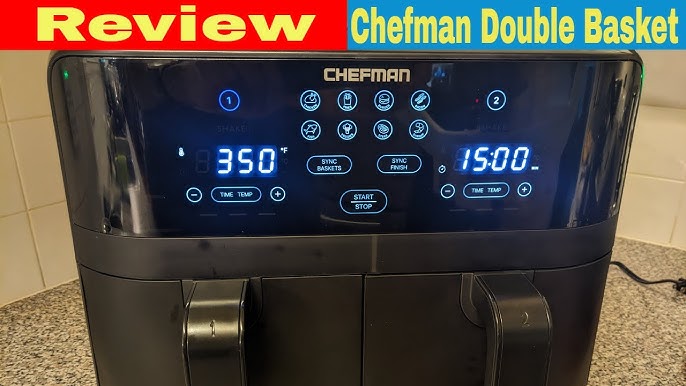
Frequently Asked Questions of how to turn off chefman air fryer
How do I turn off a digital Chefman air fryer?
Press the power button or the stop icon on the touch panel. Wait for the display to show "OFF" and the fan to stop before unplugging.
How do I turn off a Chefman air fryer with a timer dial?
Rotate the timer dial to the "Off" position or to zero. If the dial is stuck, unplug and try again after the unit cools.
My Chefman air fryer won’t turn off. What should I do?
Unplug the unit from the outlet immediately and wait a minute. If it still won’t power down after plugging back in, contact Chefman support or a technician.
Can I unplug the Chefman air fryer while it is still hot?
Yes, but it’s safer to let it cool 15 to 30 minutes first. Unplugging is fine for immediate power cut, but take care handling hot parts.
Does the Chefman air fryer turn off automatically?
Yes. Most Chefman models include an automatic shutoff when the timer ends or when the basket is removed.
Final thoughts
Turning off your Chefman air fryer is simple when you know the right steps. Use the proper method for your model, wait for cool-down, and unplug before cleaning. Follow maintenance tips to avoid issues and keep the unit working well. Try these steps next time and share your experience or questions below—your feedback helps others cook safely and confidently.